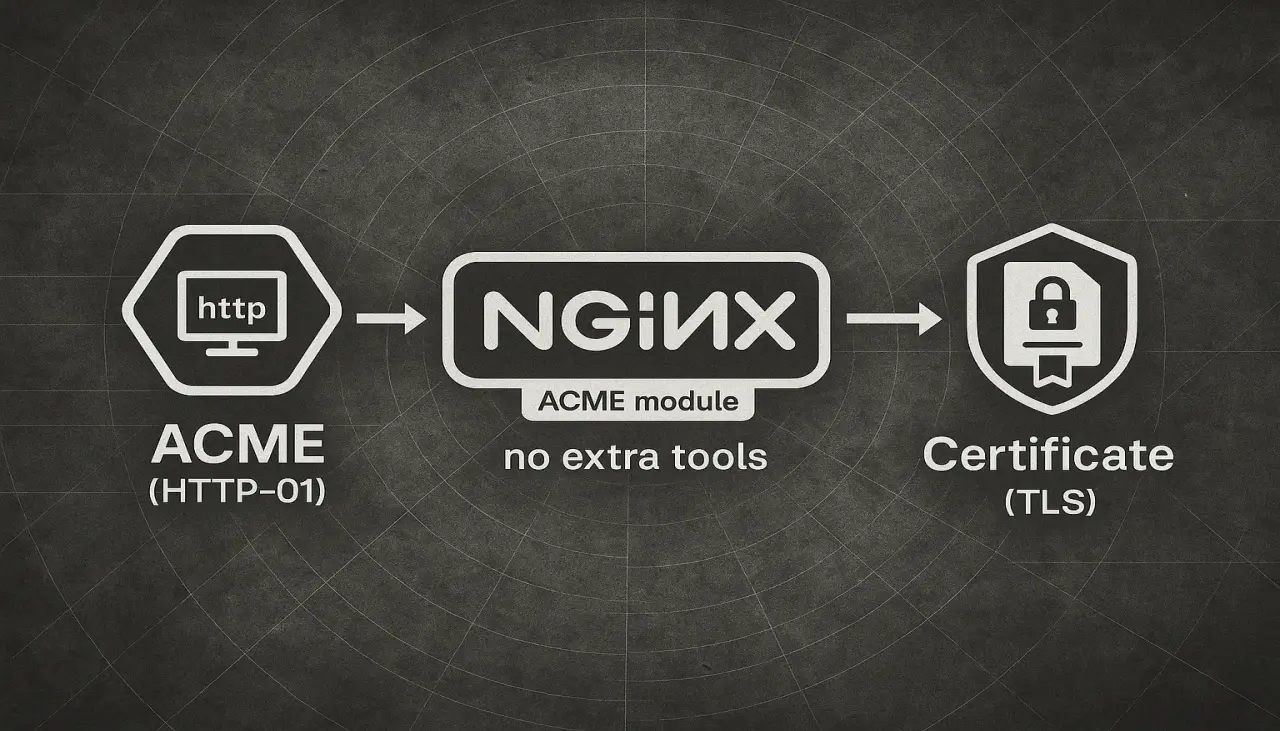
On Aug 12, 2025, NGINX announced native support for the ACME protocol: https://blog.nginx.org/blog/native-support-for-acme-protocol
This is a great improvement because you no longer need extra tools to issue SSL certificates. The first release supports only the HTTP-01 challenge, so wildcard certificates are not possible yet. For wildcards you need DNS-01 with DCV delegation . Let’s see how it works.
Install NGINX
We’ll install the mainline build on Debian 12.
- Prerequisites
sudo apt install curl gnupg2 ca-certificates lsb-release debian-archive-keyring
- Import the official NGINX signing key so apt can verify package authenticity:
curl https://nginx.org/keys/nginx_signing.key | gpg --dearmor \
    | sudo tee /usr/share/keyrings/nginx-archive-keyring.gpg >/dev/null
- Verify the key:
gpg --dry-run --quiet --no-keyring --import --import-options import-show /usr/share/keyrings/nginx-archive-keyring.gpg
The output should contain the full fingerprint 573BFD6B3D8FBC641079A6ABABF5BD827BD9BF62 as follows:
pub   rsa2048 2011-08-19 [SC] [expires: 2027-05-24]
      573BFD6B3D8FBC641079A6ABABF5BD827BD9BF62
uid                      nginx signing key <[email protected]>
- Set up the apt repository for mainline nginx packages, run the following command:
echo "deb [signed-by=/usr/share/keyrings/nginx-archive-keyring.gpg] \
http://nginx.org/packages/mainline/debian `lsb_release -cs` nginx" \
    | sudo tee /etc/apt/sources.list.d/nginx.list
- Prefer NGINX packages over distro packages:
echo -e "Package: *\nPin: origin nginx.org\nPin: release o=nginx\nPin-Priority: 900\n" \
    | sudo tee /etc/apt/preferences.d/99nginx
- And finally install nginx and nginx-module-acme module:
sudo apt update
sudo apt install nginx nginx-module-acme
Instructions for other distros: https://nginx.org/en/linux_packages.html#instructions
Configure nginx
Please read official documentation first: https://github.com/nginx/nginx-acme
Never perform any tests on production environments or domains!
Create or update /etc/nginx/nginx.conf:
user  nginx;
worker_processes  auto;

load_module modules/ngx_http_acme_module.so; # Enable acme module

error_log  /var/log/nginx/error.log debug;  # disable for prod
pid        /run/nginx.pid;


events {
    worker_connections  1024;
}


http {
    # Note that this module requires a resolver configuration in the http block.
    resolver 127.0.0.1:53;

    acme_issuer letsencrypt {
        uri         https://acme-v02.api.letsencrypt.org/directory;
        # contact   [email protected];
        state_path  /var/cache/nginx/acme-letsencrypt;

        accept_terms_of_service;
    }

    acme_shared_zone zone=ngx_acme_shared:1M;

    include       /etc/nginx/mime.types;
    default_type  application/octet-stream;

    log_format  main  '$remote_addr - $remote_user [$time_local] "$request" '
                      '$status $body_bytes_sent "$http_referer" '
                      '"$http_user_agent" "$http_x_forwarded_for"';

    access_log  /var/log/nginx/access.log  main;

    sendfile        on;
    #tcp_nopush     on;

    keepalive_timeout  65;

    #gzip  on;

    include /etc/nginx/conf.d/*.conf;
}
Server configuration (example) /etc/nginx/conf.d/nginx-test.conf:
server {
    listen 443 ssl;
    listen 80 ;
    server_name .nginx-test.kaidalov.com;

    location / {
        root   /usr/share/nginx/html;
        index  index.html index.htm;
    }

    acme_certificate letsencrypt key=rsa;

    ssl_certificate       $acme_certificate;
    ssl_certificate_key   $acme_certificate_key;

    # do not parse the certificate on each request
    ssl_certificate_cache max=2;
}
Run nginx
Let’s check and validate configuration:
# nginx -t
nginx: the configuration file /etc/nginx/nginx.conf syntax is ok
nginx: configuration file /etc/nginx/nginx.conf test is successful
All good, now we are ready to start nginx and see if our certificates are ready.
service nginx start
Watch for errors in /var/log/nginx/error.log and confirm that certificate files appear:
# ls -al /var/cache/nginx/acme-letsencrypt/
total 20
drwx------ 2 nginx root  4096 Aug 17 14:30 .
drwxr-xr-x 9 root  root  4096 Aug 17 14:28 ..
-rw-r--r-- 1 root  root   241 Aug 17 14:28 account.key
-rw-rw-rw- 1 nginx nginx 3648 Aug 17 14:30 www.nginx-test.kaidalov.com-6c6984e3155c6635.crt
-rw-rw-rw- 1 nginx nginx 1704 Aug 17 14:30 www.nginx-test.kaidalov.com-6c6984e3155c6635.key
Certificates are there. Finally let’s check the site:
curl https://nginx-test.kaidalov.com/
<!DOCTYPE html>
<html>
<head>
<title>Welcome to nginx!</title>
<style>
html { color-scheme: light dark; }
body { width: 35em; margin: 0 auto;
font-family: Tahoma, Verdana, Arial, sans-serif; }
</style>
</head>
<body>
<h1>Welcome to nginx!</h1>
<p>If you see this page, the nginx web server is successfully installed and
working. Further configuration is required.</p>

<p>For online documentation and support please refer to
<a href="http://nginx.org/">nginx.org</a>.<br/>
Commercial support is available at
<a href="http://nginx.com/">nginx.com</a>.</p>

<p><em>Thank you for using nginx.</em></p>
</body>
</html>
And also let’s check certificate:
openssl s_client -connect nginx-test.kaidalov.com:443 -servername nginx-test.kaidalov.com -showcerts
Connecting to 123.123.123.123
CONNECTED(00000005)
depth=2 C=US, O=Internet Security Research Group, CN=ISRG Root X1
verify return:1
depth=1 C=US, O=Let's Encrypt, CN=R11
verify return:1
depth=0 CN=nginx-test.kaidalov.com
verify return:1
---
Certificate chain
 0 s:CN=nginx-test.kaidalov.com
   i:C=US, O=Let's Encrypt, CN=R11
   a:PKEY: RSA, 2048 (bit); sigalg: sha256WithRSAEncryption
   v:NotBefore: Aug 17 13:32:12 2025 GMT; NotAfter: Nov 15 13:32:11 2025 GMT
-----BEGIN CERTIFICATE-----
It works! :)
Conclusion
The new NGINX ACME module removes the need for separate tools to issue certificates and simplifies your setup. It’s easy to enable, easy to automate, and fits well into IaC workflows (for example, with Ansible). Add a few lines of configuration, and you’re ready to go.
Current limitation: only HTTP-01 is supported, so wildcard certificates are not available yet.