Reducing Cross-AZ Traffic in AWS and Avoiding NAT Loopback Pitfalls
Recently, we decided to reduce cross-AZ traffic in our AWS environment to save on data transfer costs and improve latency.
Current Setup
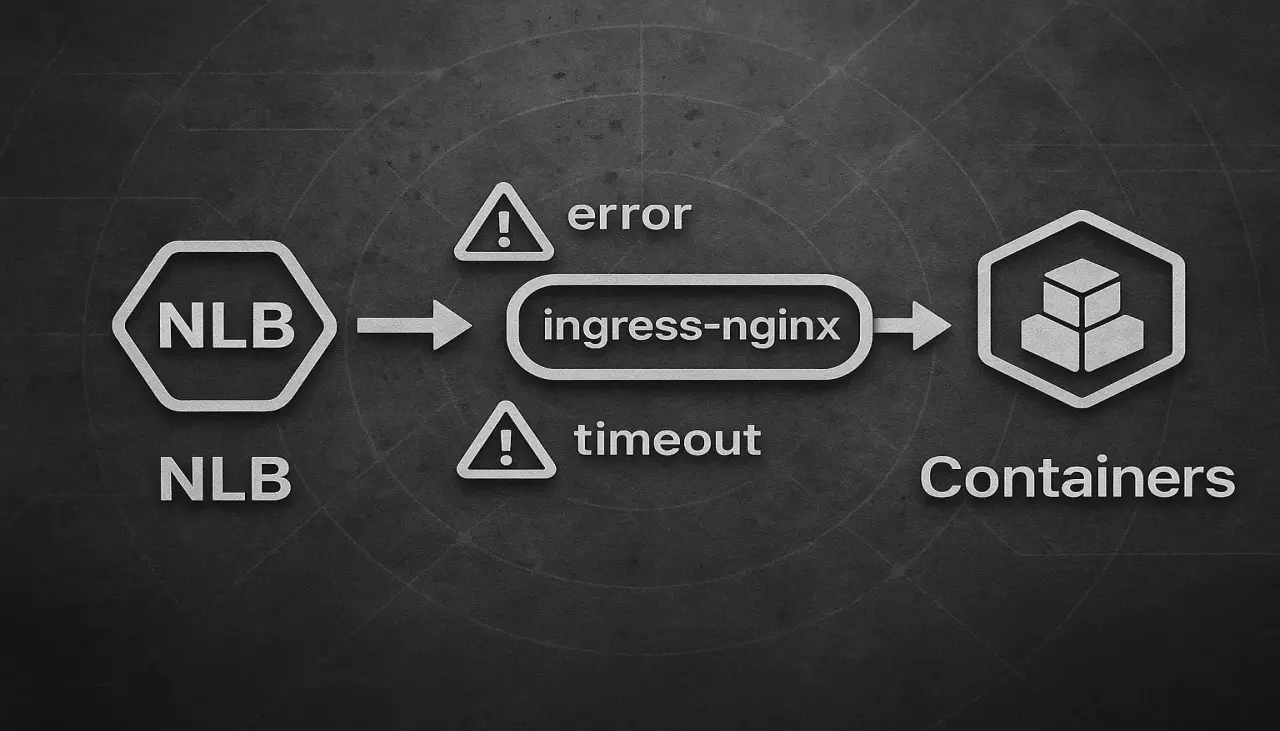
Here’s a simplified view of our setup:
NLB -> ingress-nginx -> containers
Inside our EKS cluster, we enabled Topology Aware Routing . On the NLB and its target group, we:
These settings ensure that traffic is routed only to targets within the same Availability Zone (AZ).
We also use Proxy Protocol v2 to preserve real client IPs: Preserving client IPs with Proxy Protocol v2
The Problem
At first glance, everything seemed fine. But soon, we started noticing connection timeouts between internal services. That was unexpected.
Investigation
We started digging into the issue:
- The timeouts only occurred within the same AZ
- More specifically, they happened only when the source application and the ingress-nginx pod were on the same EC2 node
This led us to the AWS NLB troubleshooting documentation , and there it was:
Check whether client IP preservation is enabled on your target group. NAT loopback, also known as hairpinning, is not supported when client IP preservation is enabled.
If an instance is a client of a load balancer that it’s registered with and it has client IP preservation enabled, the connection succeeds only if the request is routed to a different instance. If the request is routed to the same instance it was sent from, the connection times out because the source and destination IP addresses are the same. Note that this applies to Amazon EKS pods running in the same EC2 worker node instance, even though they have different IP addresses.
If an instance must send requests to a load balancer that it’s registered with, do one of the following:
- Disable client IP preservation. Instead, use Proxy Protocol v2 to get the client IP address.
- Ensure that containers that must communicate are on different container instances.
The Fix
We had both Proxy Protocol v2 and Client IP Preservation enabled, so we did both recommended thigns:
- Moved ingress-nginx controller pods to a separate group of nodes, so they are isolated from the application pods.
- Disabled client IP preservation, since we already rely on Proxy Protocol for passing client IPs.
Since our application includes a retry mechanism, the issue wasn’t immediately obvious. On retry, the load balancer would route the request to another node, avoiding the hairpinning issue.
Conclusion
This was a great reminder to always read the documentation and especially check AWS’s troubleshooting pages, because they’re very great and valuable.
When optimizing your architecture, double-check how your load balancer, routing, and network settings interact. Minor misconfiguration details like hairpinning with preserved IPs can cause hard-to-diagnose issues.